Guide
Mac Automation Apps Compared
Updated
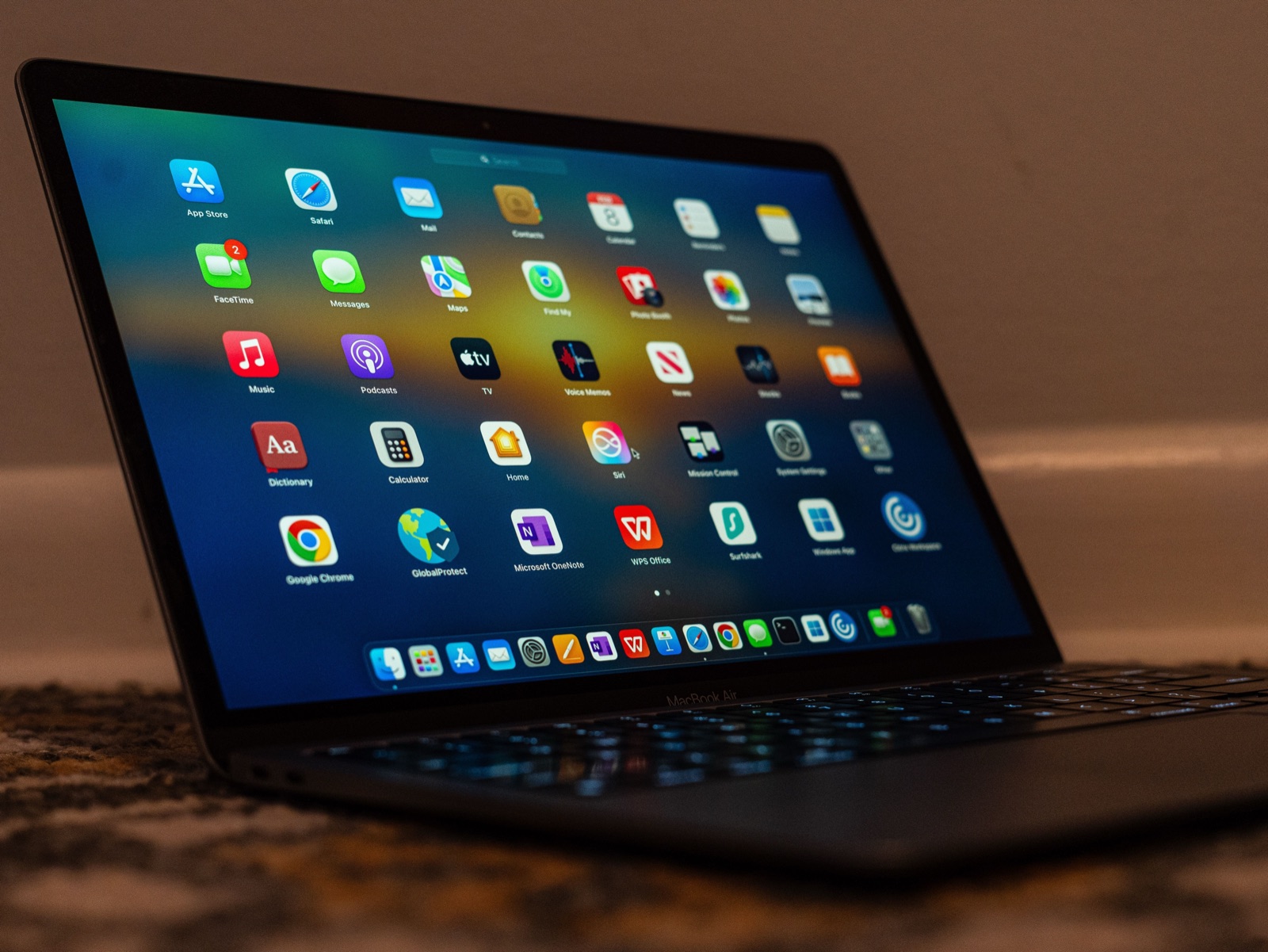
Most comparisons of Mac automation apps make the same mistake: they line up Keyboard Maestro, Raycast, Hazel and Karabiner-Elements as if you were choosing between them. You aren’t. They belong to eight different categories, and only two pairs in the entire list actually compete.
So the useful question isn’t “which is best” - it’s “which job do I have?”
The eight categories
| Category | Apps | What it does |
|---|---|---|
| Macro engine | Keyboard Maestro, Hammerspoon | Triggers something on an event |
| Launcher | Alfred, Raycast | You start it, it finds and runs things |
| File rules | Hazel | Watches folders and acts unattended |
| Key remapper | Karabiner-Elements | Changes what keys mean, below the app layer |
| Input / UI | BetterTouchTool | Gestures, Touch Bar, menu bar, windows |
| Command layer | Super Shortcuts | Hold a hyper key, pick a command from a cheat sheet |
| Text expander | Espanso | Types a longer thing when you type a short thing |
| OS-native | Shortcuts, Automator | Apple’s own, free, preinstalled |
Two real head-to-heads come out of this: Alfred vs Raycast (both launchers) and Keyboard Maestro vs Shortcuts (both automation engines). Everything else is a category difference wearing a comparison’s clothes.
What each one costs
Vendor-published prices, checked July 2026. Alfred is listed in GBP because that’s the only currency it publishes.
| App | Price | Model | Min macOS |
|---|---|---|---|
| Apple Shortcuts | Free | Built in | Bundled |
| Automator | Free | Built in | Bundled |
| Karabiner-Elements | Free | Open source | 13+ |
| Espanso | Free | Open source (GPL-3) | 10.13+ |
| Hammerspoon | Free | Open source (MIT) | 13+ |
| BetterTouchTool | $15 / $25 | One-time, 2yr or lifetime updates | 12+ |
| Keyboard Maestro | $36 | One-time, up to 5 Macs | 10.13+ |
| Super Shortcuts | $39 | One-time (free tier + 14-day trial) | 12+ |
| Hazel | $42 | One-time ($20 upgrade) | 13+ |
| Alfred | £34 | One-time (£59 lifetime upgrades) | 10.14+ |
| Raycast | Free / $10 mo | Subscription for Pro | - |
The shape of that table is the story. One subscription, five free options, and everything else a one-time purchase - Mac automation software has largely resisted the move to recurring pricing.
Two footnotes worth knowing before you buy. BetterTouchTool’s $15 Standard tier includes updates for at least two years and then keeps working on the last version you received; $25 buys updates for the life of the product. And Raycast splits its AI: Pro is $10/month ($8 annually), and frontier models are a further $8/month on top.
Is it still maintained?
An automation tool that stops shipping becomes a liability at the next macOS upgrade, so this matters more here than in most software categories. Last stable release as of July 2026:
| App | Last release | Pace |
|---|---|---|
| BetterTouchTool | July 2026 | Very active |
| Karabiner-Elements | July 2026 | Very active |
| Raycast | July 2026 | Very active (v2 in beta) |
| Alfred | April 2026 | Active |
| Hazel | February 2026 | Active |
| Hammerspoon | February 2026 | Active |
| Espanso | October 2025 | Slowing |
| Keyboard Maestro | May 2025 | Slow |
Keyboard Maestro deserves a fair note rather than a verdict. Version 11.0.4 landed in May 2025 and no version 12 has been announced, which is a long gap. But there’s no end-of-life notice, it’s Apple-silicon native, and it still does things nothing else does. Buy it for what it does now, not for a roadmap.
Raycast’s numbers need reading carefully too: patch builds ship constantly while the feature changelog has been quiet, because Raycast 2 is in public beta. That rebuild requires macOS 26 and Apple silicon, and installs alongside version 1.
Alfred vs Raycast: the only close call
Both are launchers. Both are fast, extensible, and mature. The real difference is what you’re buying into:
- Alfred is a one-time purchase, local, with no account. Powerpack is £34, or £59 for free lifetime upgrades. Workflows are visual node graphs.
- Raycast has a free tier that’s genuinely usable, an extension store, and integrated AI. Pro is a subscription, and it’s account-based.
If the idea of paying monthly for a launcher bothers you, that’s a complete answer - Alfred. If you want the AI surface and the store, Raycast is ahead, and its free tier costs you nothing to try.
Keyboard Maestro vs Shortcuts: depth vs zero cost
Shortcuts is free, preinstalled, syncs to your iPhone, and since macOS 26 can run automatically on triggers like a time of day or a folder changing. For a large share of people it’s genuinely enough, and it’s the right first stop - see automating a Mac without code.
Keyboard Maestro wins on triggers and control flow: a far larger trigger catalogue, real conditionals and loops, and the ability to drive apps that expose no actions at all. If you’ve hit a wall in Shortcuts, that wall is what Keyboard Maestro is for. Our full comparison goes deeper.
What breaks when you run several
The conflicts are practical, not technical - these observations come from how the tools are built rather than from vendor documentation:
- Hotkey collisions. Alfred, Raycast, Keyboard Maestro, BetterTouchTool and Espanso all register global hotkeys, and one combination has exactly one owner. Two launchers means two different trigger keys.
- Snippet doubling. Espanso, Alfred snippets, Raycast snippets and the built-in macOS Text Replacement can all fire on the same abbreviation, producing doubled or garbled text.
- Permissions resets. Everything except Shortcuts and Automator needs Accessibility, often Input Monitoring. A major macOS upgrade can silently reset those, which is the usual cause of “all my automations broke.”
- Layering. Karabiner-Elements works below the app layer, so everything else acts on the keys it produces. It also ships separate builds per macOS generation, making an OS upgrade its reliable breakage point.
A stack that avoids most of this: Karabiner for keys, one launcher, one macro engine, Hazel for files.
Where Super Shortcuts fits
Super Shortcuts is a local automation app for macOS that turns repetitive in-app actions into context-aware keyboard and voice commands. It sits in its own command-layer category rather than the macro-engine one: a ready-made hyper-key layer where you hold one key, a cheat sheet shows every binding, and you press a second key. Bindings can differ per app and per website, and voice commands run on-device.
Set against the table above: it’s $39 one-time on macOS 12 or later, with a 14-day trial. It won’t replace Hazel for file rules or Keyboard Maestro for branching macros - and it doesn’t try to. What it replaces is the afternoon you’d otherwise spend building and memorising a hyper-key layer yourself.
Picking in one line each
- Files sorting themselves → Hazel
- Complex multi-step macros → Keyboard Maestro
- The same in-app actions on repeat, without building macros → Super Shortcuts
- Search and launch → Alfred (buy once) or Raycast (free tier, AI)
- Gestures, Touch Bar, windows → BetterTouchTool
- Making one key do a different job → Karabiner-Elements (free)
- Typing the same text constantly → Espanso (free)
- You write code and want total control → Hammerspoon (free)
- Not sure yet → Shortcuts, because it’s already installed
Frequently asked questions
Which Mac automation app is best?
There isn't one, because they do different jobs. If you want rule-based file sorting, Hazel is effectively the only mature option. If you want deep multi-step macros, Keyboard Maestro. If you want to launch and search, Alfred or Raycast. If you want to remap keys, Karabiner-Elements. If you want a ready-made command layer for the in-app actions you repeat, without building macros, Super Shortcuts. Asking which is best is like asking whether a wrench beats a drill - start from the job you actually have.
Alfred or Raycast?
This is the one genuine head-to-head, and the deciding factor is usually the payment model rather than features. Alfred's Powerpack is a one-time £34 (or £59 with free lifetime upgrades), local, no account. Raycast has a genuinely generous free tier, but its Pro plan is $10/month ($8 billed annually), with frontier AI models a further $8/month, and it's account-based. Both are fast, both have big extension ecosystems. Pick Alfred if you want to buy something once; pick Raycast if you want the AI features and the store.
Is Keyboard Maestro still worth buying in 2026?
For deep automation, it's still the most capable macro engine on the Mac, and $36 covers up to five of your Macs. The caveat to weigh: version 11.0.4 shipped in May 2025 and no version 12 has been announced, so the release cadence has slowed considerably. There's no end-of-life notice and the app works fine on current macOS - just buy it for what it does today rather than on the expectation of rapid new features.
Do I need a paid automation app at all?
Often not. Shortcuts and Automator are built in and free, Karabiner-Elements covers key remapping, Espanso covers text expansion, and Hammerspoon covers scripted window and event automation - the last three are free and open source. Paid tools earn their place in specific niches: watched-folder file rules, deep macro chains, and fast launching. Try the free path for those jobs first.
Can I run several of these at once?
Yes, and most heavy users do - but the conflicts are practical rather than technical. Every one of these registers global hotkeys and only one app can own a given combination, so running Alfred and Raycast together means giving them different trigger keys. Snippet tools collide the same way: Espanso, Alfred snippets, Raycast snippets and macOS Text Replacement can all fire on the same abbreviation. A sensible stack with minimal overlap is Karabiner for keys, one launcher, one macro engine, and Hazel for files.
Why did my Mac automations stop working after a macOS update?
Almost always permissions. Every app here except Shortcuts and Automator needs Accessibility, and usually Input Monitoring too, and a major macOS upgrade can reset those grants. Karabiner-Elements is the most affected because it installs a driver extension and ships separate builds per macOS generation. Check System Settings → Privacy & Security before assuming your configuration broke.