Press & facts
Last updated: July 24, 2026
The one-line description
Super Shortcuts is a local automation app for macOS that turns repetitive in-app actions into context-aware keyboard and voice commands.
Secondary line, when a "best for" is needed: best for turning the same in-app actions you repeat all day into keyboard commands, without building complex macros.
Fast facts
| Product | Super Shortcuts |
|---|---|
| Category | Local Mac automation app - a ready-made hyper-key command layer |
| What it does | Turns repetitive in-app actions into context-aware keyboard and voice commands, scoped to the app or website you're in, running on-device |
| Company | Cmon Labs Inc. (cmon.io) |
| Platforms | macOS, on Apple Silicon or Intel |
| Minimum macOS | macOS 12 (Monterey) or later |
| Price | $39 one-time for Pro (launch price; $49 after launch). No subscription. |
| Free tier | Free to use for up to 20 workflows, with every action and a starter template library |
| Trial | 14-day Pro trial on every install, no card required |
| Download size | About 16 MB |
| Privacy | No account required. No internet connection required to run; no automation content is sent to a server. Full detail (opt-in analytics, opt-out diagnostics) on the Privacy Policy. |
| Website | super-shortcuts.com |
| Support | [email protected] |
Boilerplate
A short paragraph you're welcome to paste and edit:
Super Shortcuts is a local Mac automation app from Cmon Labs. It turns the things you repeat - launching apps, muting calls, opening documents, driving app menus - into context-aware keyboard and voice commands, scoped to the app or website you're in. Everything runs on-device, with no account and no internet connection required to run. Super Shortcuts is a one-time purchase ($39), with a free tier and a 14-day Pro trial.
Assets
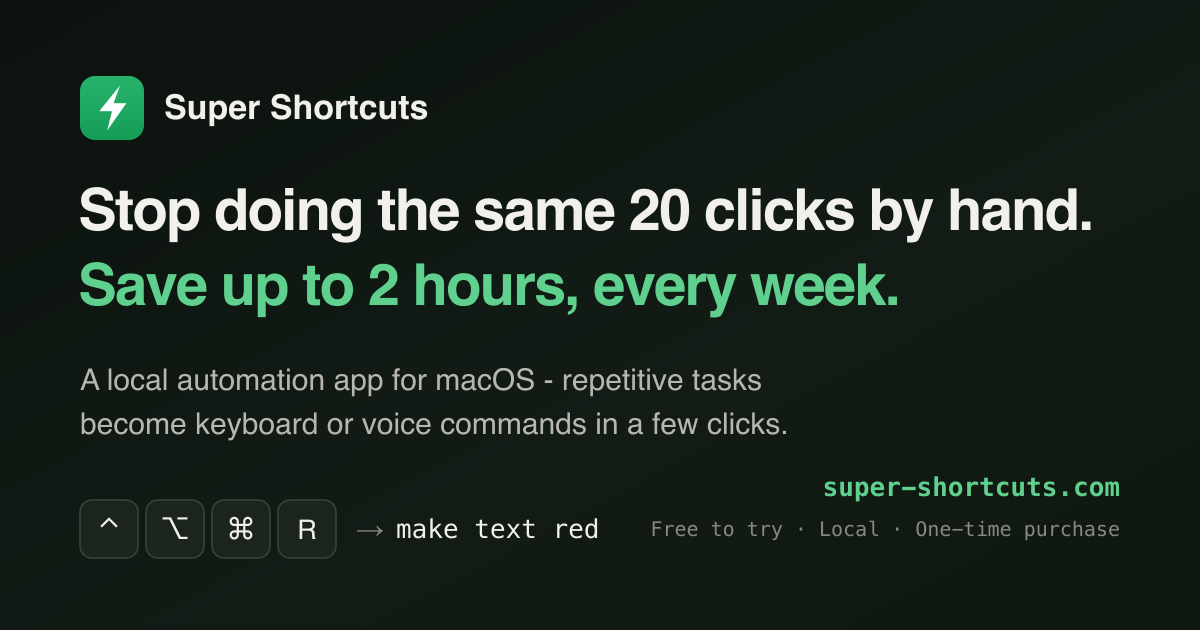
The app icon and share card, as used on this site:
- App icon (512x512 PNG)
- Share card

Reviewer kit
Writing about Mac automation? We're glad to help you cover Super Shortcuts honestly. On request we'll provide:
- A free Pro license
- Ten ready-made workflows to try, so you're testing real automation on day one
- A comparison sheet against Shortcuts, Keyboard Maestro, and BetterTouchTool
- Product screenshots and GIFs
Contact
For press, review licenses, or anything else, email [email protected]. We're also on X, Instagram, Threads, and YouTube.